
Table of contents
- What Proton VPN actually does
- Who Proton VPN is for
- Main features people usually care about first
- Privacy and trust
- Device support
- Server locations
- Speed and stability
- Useful extras
- How to get started
- Free vs paid: which one makes sense
- Things to check before you choose
- FAQ
- Is Proton VPN free?
- Is Proton VPN safe?
- Which devices does Proton VPN support?
- Who should use Proton VPN?
- How do I choose the right Proton VPN server?
Proton VPN is a privacy-focused VPN service from Proton that encrypts your traffic, hides your IP address, and routes your connection through secure servers in many countries. In plain English, it helps you browse more safely on public Wi-Fi, keep your location private, and reduce the amount of information websites and networks can see about you.
What Proton VPN actually does
Like any solid VPN, Proton VPN creates an encrypted tunnel between your device and the internet. That means your ISP, local network, or anyone on the same Wi-Fi cannot easily read your online activity. Proton VPN is especially known for putting privacy first, with a no-logs approach, Swiss-based operations, and apps built for everyday use rather than technical jargon.
Who Proton VPN is for
Proton VPN makes the most sense for people who care about privacy, travel often, work from public networks, or want a VPN service that feels serious rather than flashy. It also fits users who want a free starting point before paying for more features.
- People who want safer browsing on public Wi-Fi
- Remote workers who move between home, office, and travel networks
- Users who want extra privacy without a complicated setup
- People who need more control over server location
- Users who may want P2P support for large downloads
Main features people usually care about first
Privacy and trust
Privacy is the main reason many people look at Proton VPN. The service is built around a no-logs model, which is exactly what most privacy-minded users want to hear first. It is also based in Switzerland, a jurisdiction many people view as stronger for privacy than the usual VPN hubs. On top of that, Proton has a reputation for security-focused products and regular audits, which helps make the service feel less like a black box.
That said, a VPN is only one layer of privacy. It can hide your IP address and protect the connection itself, but it does not stop every form of tracking. Cookies, account logins, and browser fingerprinting can still reveal a lot.
Device support
One of the most practical questions is simple: will it run on your devices? Proton VPN covers the common bases with apps for desktop and mobile platforms, so most users can protect laptops and phones without much effort. That matters more than people expect, because a VPN is only useful if it is easy to keep turned on when you need it.
If your household uses several devices, device support becomes a real deciding factor. A good VPN should feel consistent whether you are on a laptop at home, a phone in a café, or a tablet while traveling.
Server locations
Server locations affect both speed and flexibility. Proton VPN offers a broad network across many countries, so you can usually pick a nearby server for better performance or choose a specific country when you need a different location. For most people, nearby is the better default because it keeps latency lower and the connection feels smoother.
If you only care about privacy, the closest server is often enough. If you need a particular region, then the location list matters more than raw speed.
Speed and stability
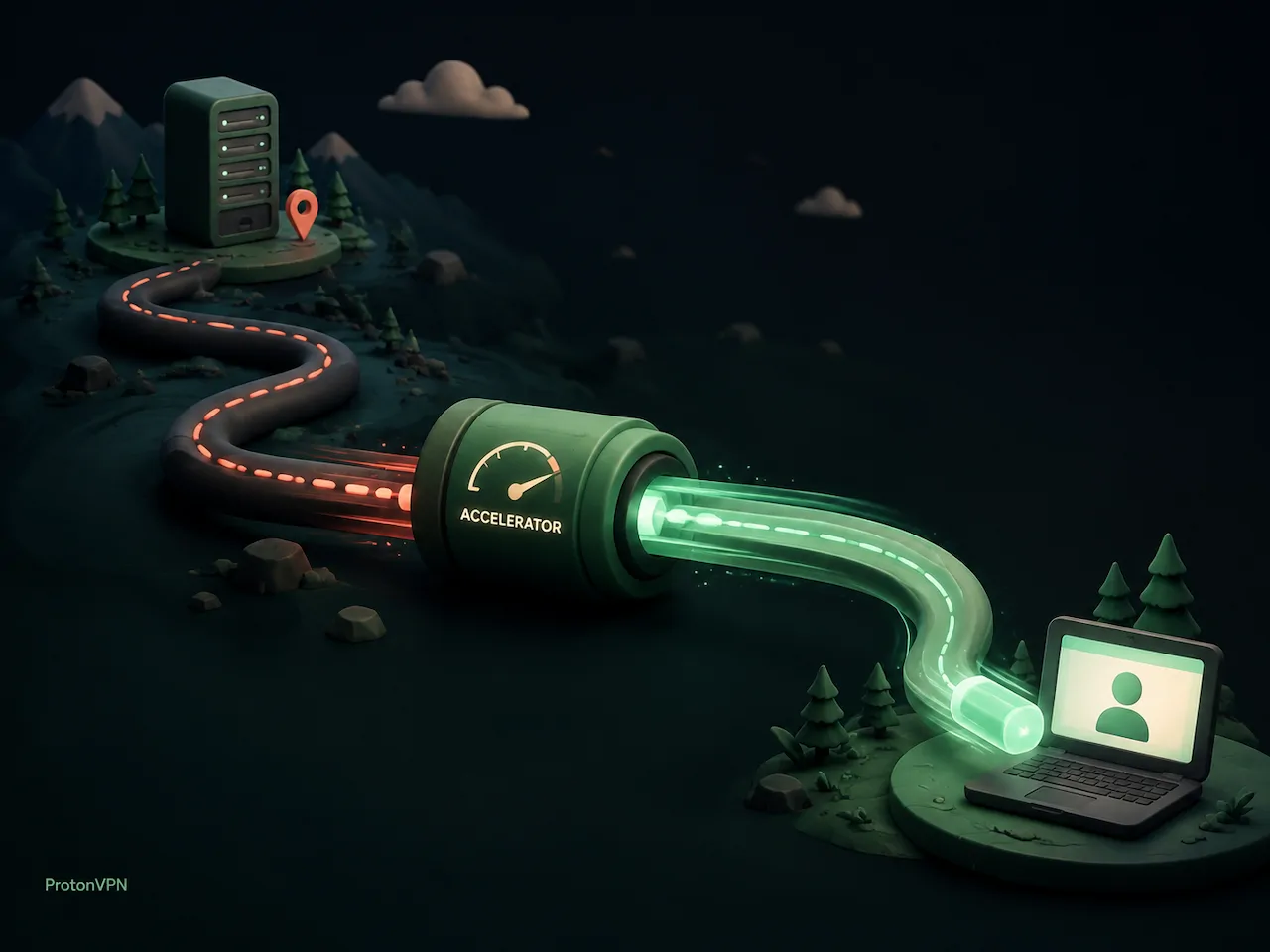
Every VPN adds some overhead, so speed is always part of the conversation. Proton VPN includes vpn accelerator, which is designed to improve performance on longer routes and keep connections more responsive. That is useful when you connect to a server that is far from your actual location.
In practice, the best speed strategy is usually simple: start with a nearby server, test it for a few minutes, and only move farther away if you need that specific region.
Useful extras
- Kill switch for cutting traffic if the VPN drops
- NetShield ad blocker for blocking ads, trackers, and some malicious domains
- Split tunneling for choosing which apps use the VPN
- P2P support on suitable servers for torrenting and large transfers
- Secure Core routing for users who want an extra privacy layer
How to get started
If you want to try it, the safest route is the official proton vpn download page. You can also download proton vpn directly from Proton's site, then install the app and sign in with your account.
- Decide what you need most: privacy, streaming, travel, or torrenting.
- Check that your main devices are supported.
- Install the app from the official download page.
- Pick a nearby server first and test the connection.
- Turn on privacy features such as the kill switch or ad blocking if your plan includes them.
A small but useful habit is to compare one nearby server and one faraway server before you settle on a default. That gives you a better feel for real-world performance than any advertised speed number.
Free vs paid: which one makes sense
The free plan is a good starting point if you mainly want basic encrypted browsing and do not need a huge server list. Paid plans make more sense if you want broader location choice, better flexibility, and the extra features people usually expect from a premium VPN service.
| Plan | What you get | Best for |
|---|---|---|
| Free | Basic VPN protection with limited server choice and simpler controls | Occasional private browsing and first-time users |
| Paid | More server locations, stronger feature depth, and extras like NetShield, P2P support, and Secure Core | Daily use, travel, larger households, and heavier connection needs |
If you are unsure, the free plan is usually enough to tell you whether the app feels right. If you like it, upgrading is mainly about getting more flexibility rather than learning a whole new product.
Things to check before you choose
- How important is privacy compared with price?
- Do you need one device or several at the same time?
- Do you care more about nearby speed or specific country locations?
- Will you use features like P2P support or NetShield ad blocking?
- Are you comfortable with a free plan that has limits, or do you want the full feature set?
In short, Proton VPN is a strong choice if you want a privacy-first VPN service with good device support, a broad server network, and a clear path from free to paid. It is not magic, but it is practical, well known, and easy to understand once you separate the privacy story from the marketing.
FAQ
Is Proton VPN free?
Yes. Proton VPN offers a free plan with basic protection. It is useful for simple, everyday privacy, but the paid plans unlock more locations and features.
Is Proton VPN safe?
It is designed with privacy in mind, including a no-logs approach and Swiss jurisdiction. No VPN makes you invisible online, but Proton VPN is widely seen as a trustworthy privacy-focused option.
Which devices does Proton VPN support?
It supports the main devices most people use, including desktop and mobile platforms. That makes it practical for laptops, phones, and tablets without much setup.
Who should use Proton VPN?
It is a good fit for people who care about privacy, travel regularly, use public Wi-Fi, or want a VPN service that balances security features with everyday ease of use.
How do I choose the right Proton VPN server?
Start with the closest server to your location. If you need a specific country, switch to that region only when necessary, because closer servers usually give better speed and stability.