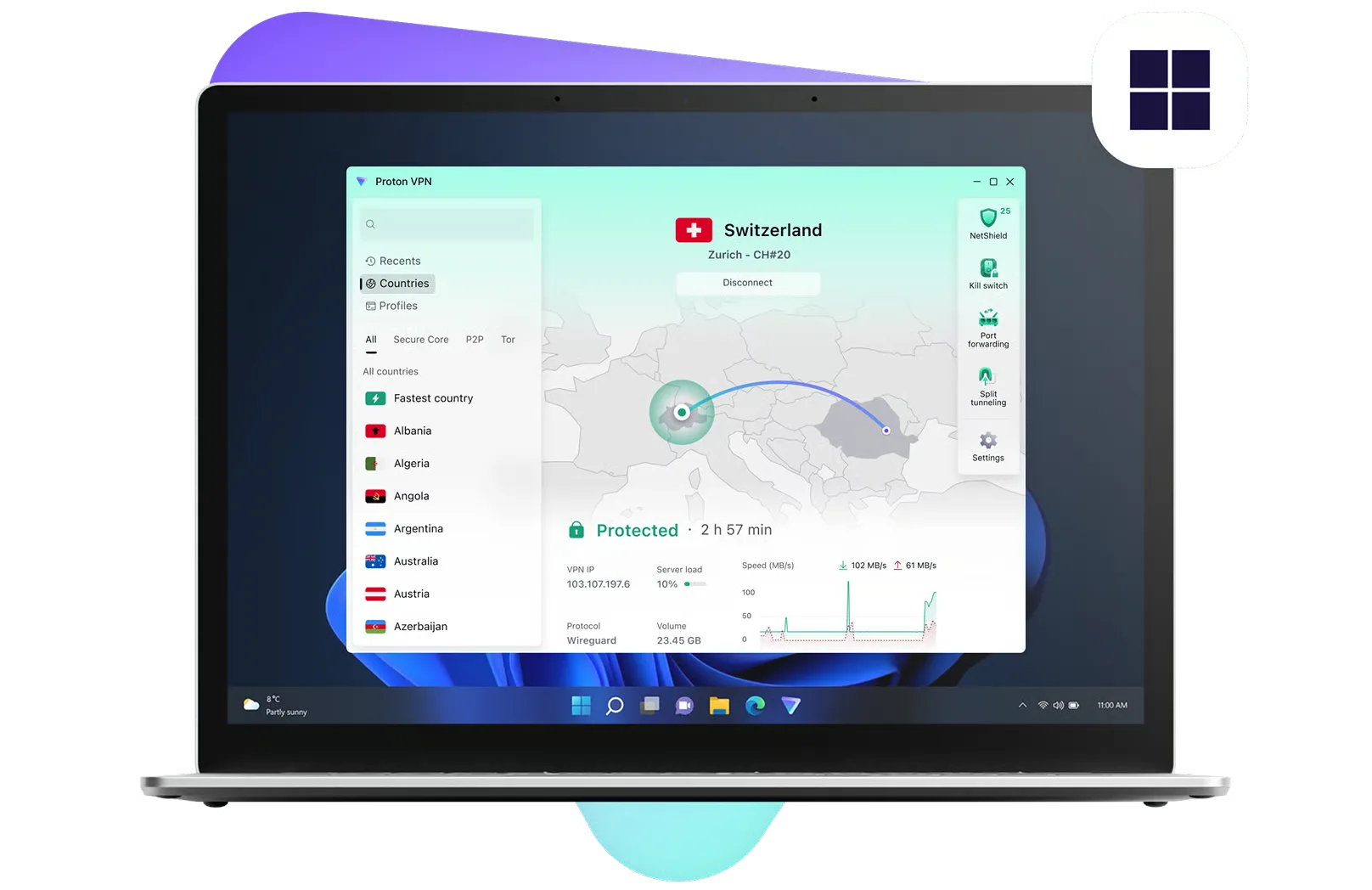
Get Proton VPN for Windows

The Proton VPN app for Windows is the best way to stay secure and private when surfing the internet. It is open source, easy to use, and packed with useful security features.

View plans

Not sure if your system is x64, ARM64 or x86 (32-bit)? Check our FAQ.

Download Proton VPN for your ARM device

Proton VPN offers a special ARM version of our app for the Microsoft Surface Laptop, Surface Pro, Samsung Galaxy Book S, Lenovo Flex 5G, HP Elite Folio, Acer Spin 7, and other ARM Windows devices. Browse the internet privately with native ARM support, while enjoying all advanced features from our regular Windows app.

How to use Proton VPN Windows app

Step 1

Create an account

To start using Proton VPN on Windows, sign up for free or buy a paid Proton VPN Plus account.

With our paid plans, you can use Proton VPN on up to 10 devices at the same time, connect to over 20,000 high-speed servers in over 140 countries, and access premium features.
Step 2

Download Proton VPN and log in

Download and install the correct Windows distribution for your device.

Once the app is installed on your Windows device, run it and log in with your Proton VPN username and password. Proton Mail users already have a Proton VPN account and can sign in with existing Proton credentials.

Step 3

Connect to a server

You can automatically connect to the fastest VPN server for your location or choose to connect to any specific server that is available on your plan.

The data traveling between your device and the VPN server is encrypted, meaning:
  • Your internet service provider cannot monitor your activity.
  • Websites see the IP address of the VPN server you are using.
You can check your IP address whenever you are connected to find your VPN server address.

Security made easy

Our Windows app offers advanced features carefully designed to improve your online security.

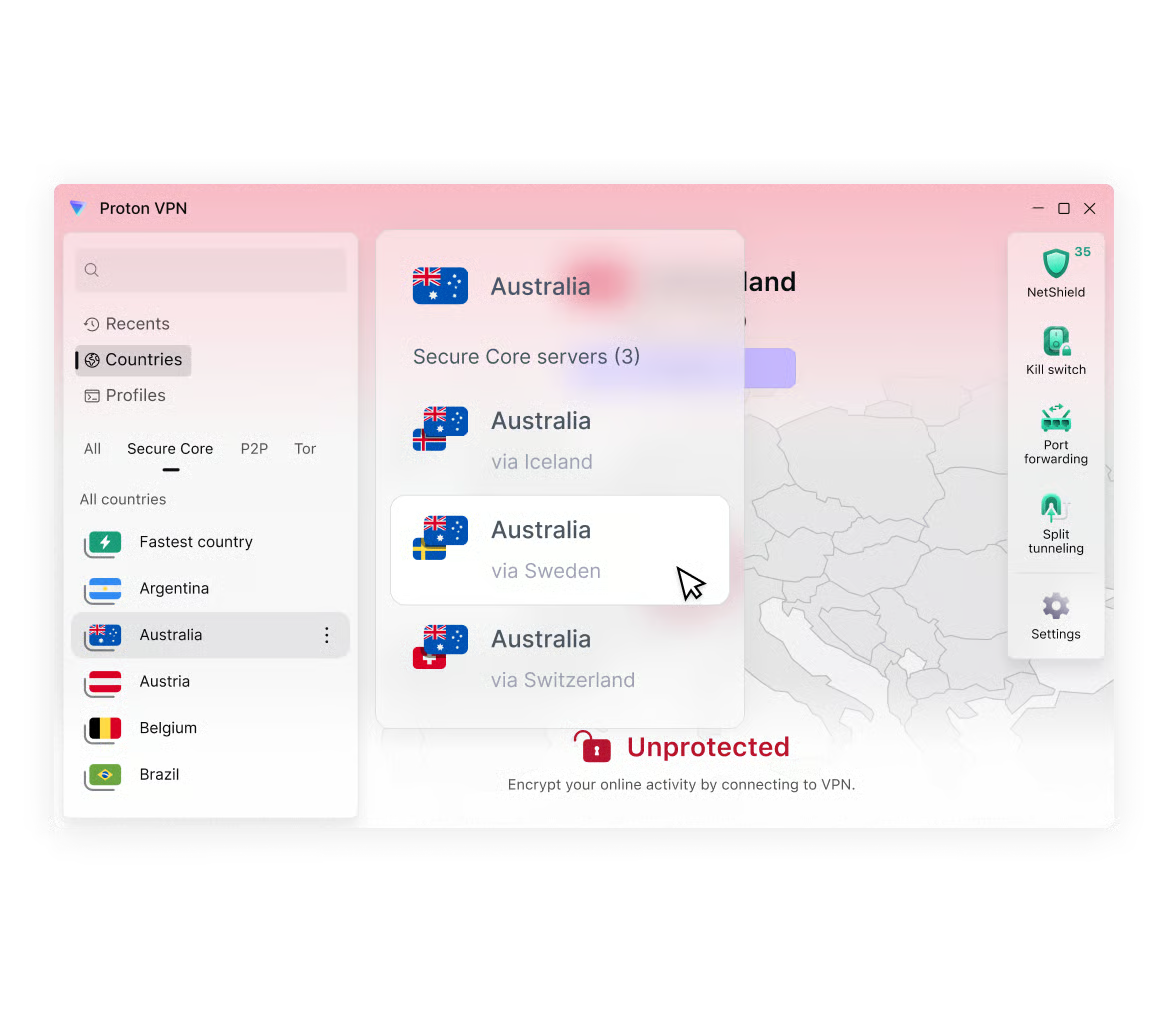
Proton VPN Secure Core interface on Windows

Secure Core protects your connection by routing your traffic through multiple servers before it leaves our network, defending you against advanced, network-based attacks.

Secure Core servers are located in hardened data centers in Switzerland, Iceland, and Sweden, protected by strong privacy laws, and operated on Proton dedicated networks.

Why use Proton VPN?

Free feature

No-logs VPN

We do not keep any logs that can identify what you do online

Free feature

DNS and IPv6 leak protection

Our Windows app will never accidentally expose your real IP address

Free feature

Alternative routing

In places where VPN connections are blocked, the app will attempt to establish a connection to our servers using alternative networks

Premium feature

Split tunneling

Include or except websites from the VPN

Premium feature

VPN Accelerator

Available on all Proton VPN paid plans, our unique VPN Accelerator technology can improve speeds over large distances by over 400%

Premium feature

P2P support

Share and download files using BitTorrent and other P2P protocols

Free feature

Swiss based

Switzerland has some of the world's strongest data privacy laws

Premium feature

Secure streaming

Unblock popular streaming services and watch your favorite shows

Frequently asked questions

Friendly Links

No data.